VitaDock+ App for Android
The VitaDock+ app for android enables you to connect your smartphone or tablet to our Medisana® Connect platform via Bluetooth. It offers you all the tools you need to track your activity, count your steps, and even share it with your friends.
The VitaDock+ app can be downloaded onto your phone or tablet for free.
Download the app, enable Bluetooth, and you’re ready to connect to our platform.
Once your device is connected, you’ll be able to sync your data with our server in real-time. You can see the connection status on the device, on the App or on our online platform.
This is how the connection with the VitaDock+ app looks on the device:
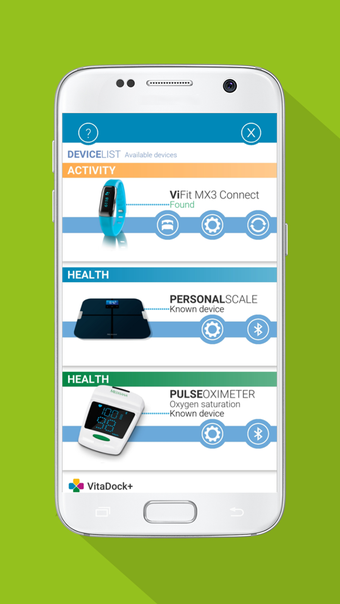
On the server, you’ll be able to see the connected devices and the connection status:
You can create a new activity or edit an existing one. You can also delete a device or remove an existing device from your list.
When you create an activity, you’ll be able to edit the date, duration, and activity type.
After that, you can edit the settings for the activity tracker. You’ll be able to change the device ID, change the activity type, delete the activity, and remove the device from your list.
The settings in the activity tracker are accessible from the Activity Settings in the device.
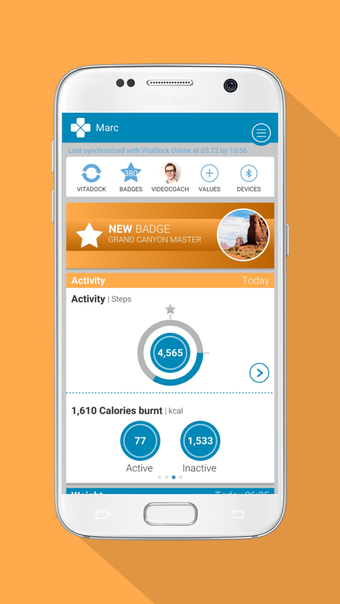
In addition, there are some features which can be tracked directly on the device, for example: the step counter, the heart rate, the battery level, and the activity status.